


Winter phone troubleshooting
Does Cold Weather Drain Your Phone Battery Faster?
Yes—very cold conditions can temporarily shorten battery life, slow performance, or make a phone shut down. Keep it near your body, use it in short bursts, and let a cold phone return gradually to its normal operating range before charging or judging the battery.
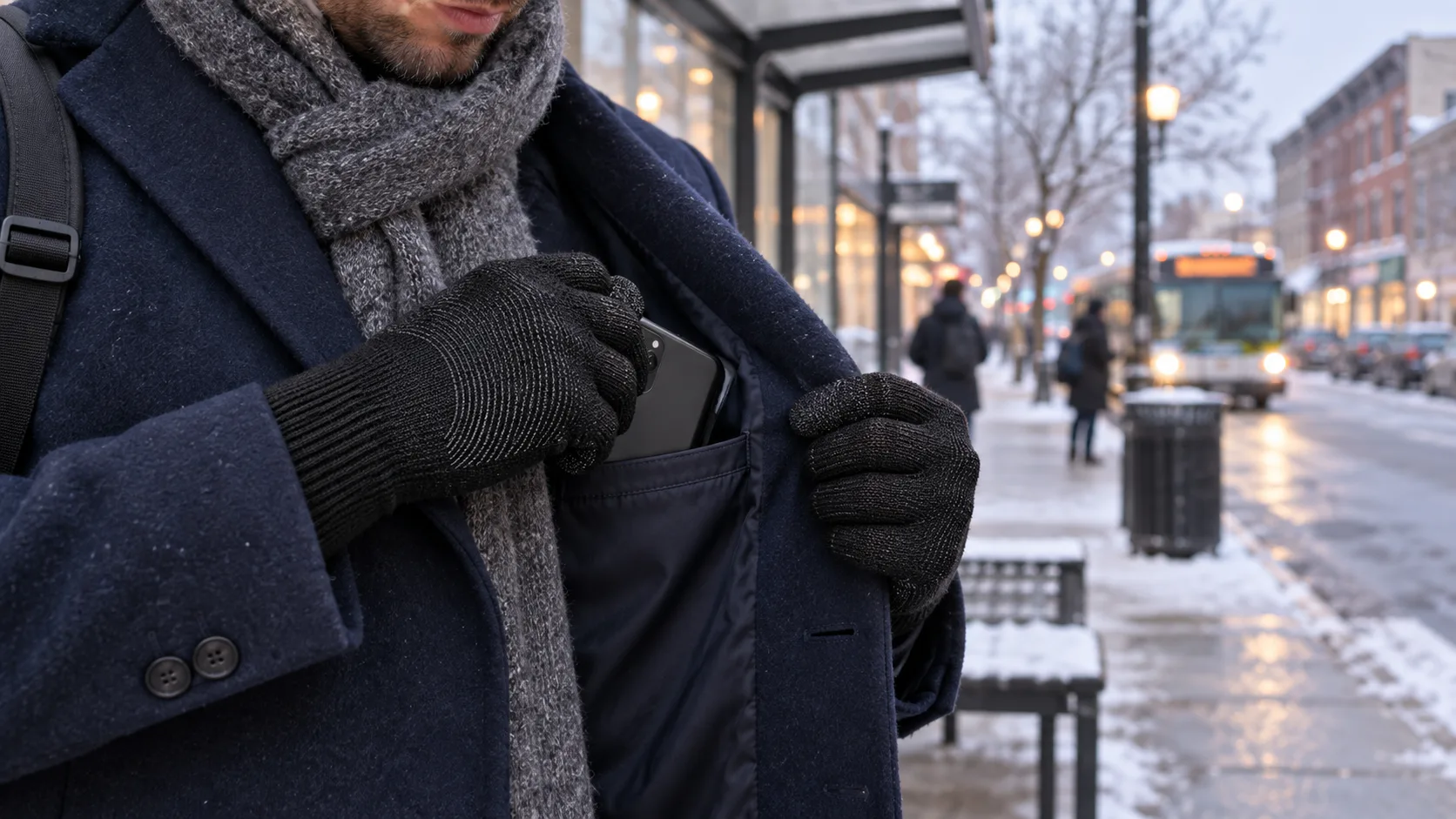
Cold can make a phone act empty before the battery is permanently empty. Apple says using an iPhone or iPad in very cold conditions outside its operating range may temporarily shorten battery life and can make the device turn off; battery life should return to normal at higher ambient temperatures. Protect the phone from prolonged exposure, warm it gradually, and compare its behavior again indoors.
Why Can a Phone Shut Down With Battery Remaining?
A cold phone may be unable to deliver power in the way its system expects, even when the on-screen percentage showed charge a moment earlier. The practical result can be a fast percentage drop, lag, reduced performance, charging that pauses, or a sudden shutdown. That does not automatically mean the battery lost the same percentage of stored energy forever.
Apple describes the cold effect as temporary: very cold use outside the normal operating range may shorten battery life or switch the device off, and normal battery life can return after the device reaches a higher ambient temperature. That is the first diagnostic clue. If the phone behaves normally again after a gradual warm-up, cold exposure was probably the immediate trigger. If it still shuts down at room temperature, look beyond the weather.
How Cold Is Too Cold for a Phone?
There is no honest universal cutoff for every model. Apple currently says iPhone and iPad devices are designed for use in ambient temperatures from 32°F to 95°F (0°C to 35°C) and for storage from -4°F to 113°F (-20°C to 45°C). Those are Apple limits, not a promise for every Android phone, case, battery age, or exposure time.
Check your own manufacturer and model documentation before relying on a number. Wind, contact with a cold surface, battery age, and how long the device stays exposed can all change the real-world outcome. Treat the published range as an operating boundary, not a performance guarantee at its edge.
Also avoid leaving a phone in a parked car. A car can move far outside comfortable device temperatures in either winter or summer, and the phone is then separated from the body heat that would help stabilize it during a commute.
Is It a Temporary Cold Effect or a Battery Problem?
| What you observe | Most useful interpretation | Next step |
|---|---|---|
| Phone shuts down only after outdoor cold exposure, then works normally after gradual warming | Cold was likely the immediate trigger | Reduce exposure and follow the maker’s temperature guidance |
| Battery percentage rises again after warming without a full recharge | Some reported capacity was temporarily unavailable in the cold | Monitor; do not treat one rebound as proof the battery is healthy |
| Phone also shuts down indoors or under light use | Cold alone does not explain it | Check battery health, software, charger/cable, and manufacturer support |
| Device shows a temperature or charging-on-hold alert | The phone is protecting itself | Stop charging or heavy use and follow the on-screen/manufacturer instruction |
| Phone is wet, swollen, unusually hot, damaged, or smells abnormal | Potential hardware or battery safety issue | Power down if safe and seek manufacturer or qualified service guidance |
A battery that is already aged can have less margin when cold, but a blog cannot diagnose battery health remotely. Use the device’s built-in battery-health tools when available and the manufacturer’s service path. Do not “calibrate” a modern phone by repeatedly draining it to zero unless its maker specifically instructs you to do so.
What Should You Do Before a Winter Commute?
- Start with useful charge. Charge indoors before leaving, using the charger and conditions approved for the phone.
- Download what you can. Save directions, tickets, boarding passes, contact information, or playlists so the phone does less searching and loading outside.
- Enable the phone’s battery-saving mode. Use the manufacturer’s setting instead of installing a mystery “battery booster” app.
- Choose an inner pocket. Keep the phone close to the torso, protected from snow and prolonged wind exposure.
- Carry a non-phone backup. Write down an address, route, contact, or transit alternative when a dead phone would create a safety problem.
If navigation is safety-critical, a phone should not be the only plan. A paper route, vehicle charger, correctly stored power bank, or dedicated emergency device may be appropriate for the trip. The right backup depends on whether this is a city commute, winter drive, or remote outing.
How Should You Use a Phone Outdoors Without Chilling It?
Use a simple loop: prepare indoors, keep the phone in an inner pocket, stop in a safe place, make one short check, then repocket it. Do not walk into traffic, drive, cycle, ski, or cross a platform edge while looking at the screen. Short checks reduce both exposure time and screen-on workload.
Turn down unnecessary brightness and close tasks you do not need. If reception is poor, the phone may work harder searching for service; downloaded directions or tickets reduce dependence on a live connection. Do not cover the phone in a way that traps moisture against it, and keep snow or wet gloves away from ports and openings.
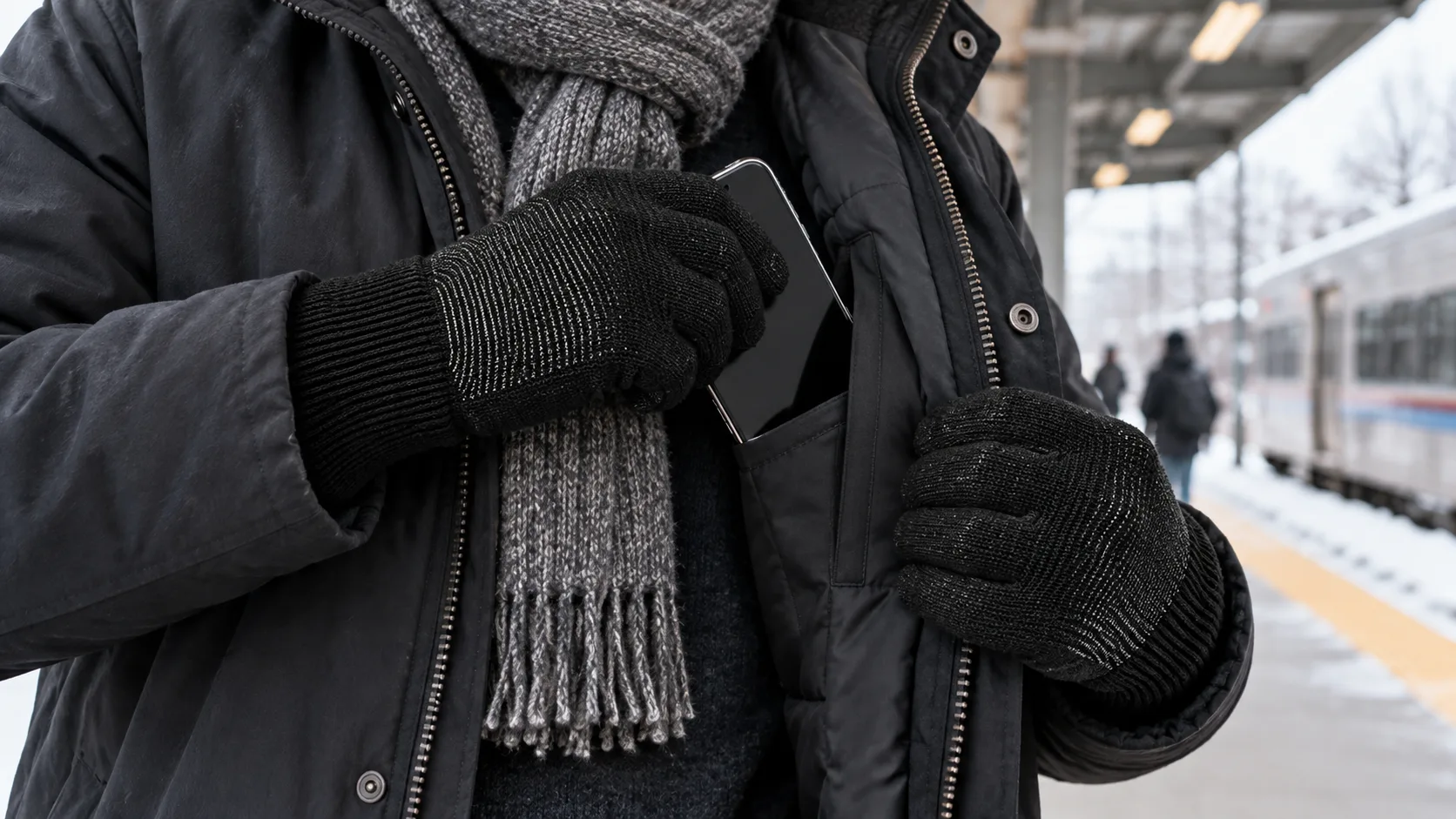
What Should You Do If the Phone Dies in the Cold?
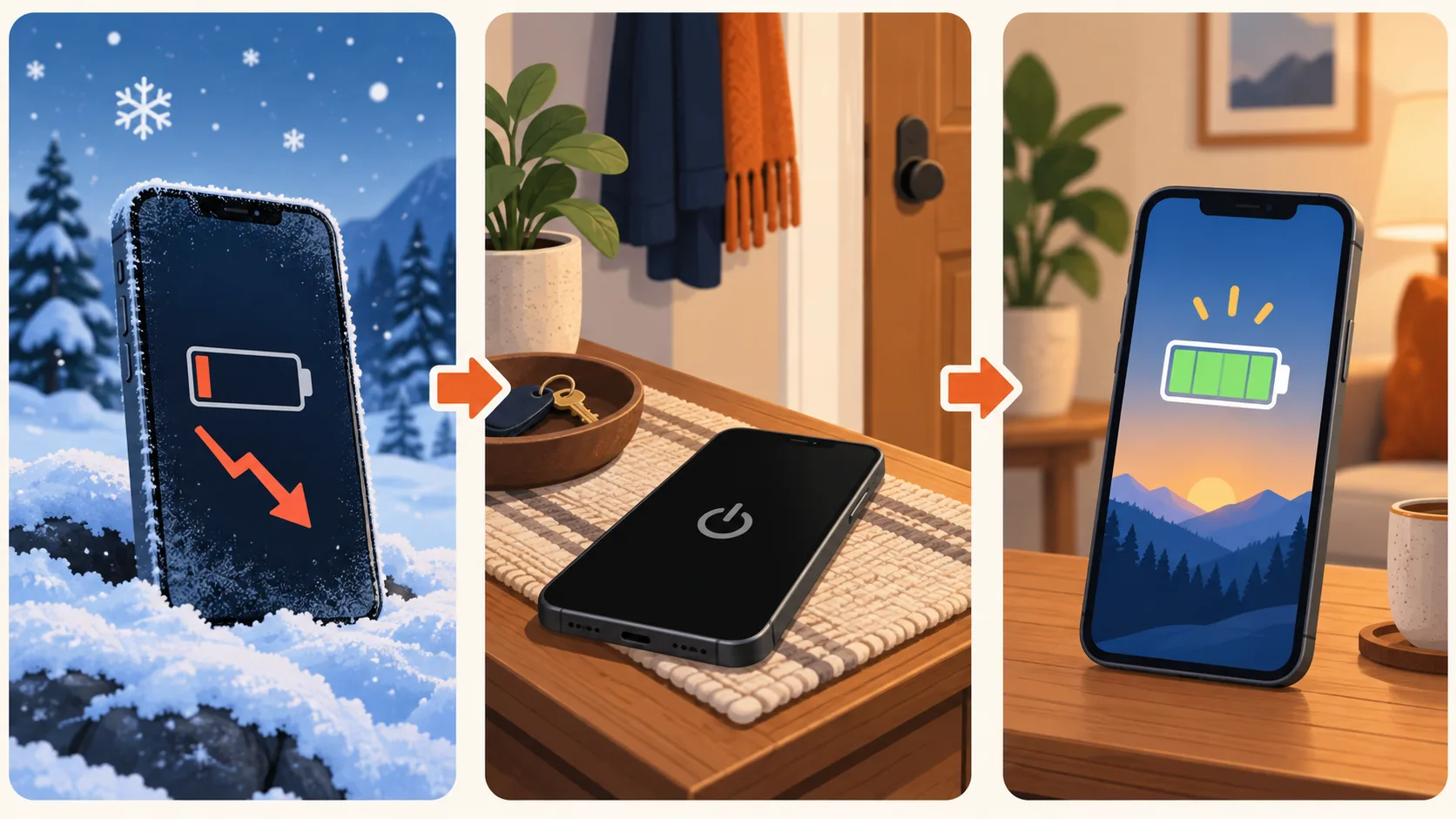
Move the phone to a dry, moderate indoor environment or a protected inner pocket. Let it warm gradually. Do not put it on a radiator, against a heater vent, under a hair dryer, in an oven or microwave, or directly against a chemical hand warmer. Rapid or uneven heating can create a new problem and may promote condensation.
Keep it powered off while it returns to normal temperature if the manufacturer’s guidance or on-screen alert calls for that. Once it feels room-temperature—not merely warmer on the outside—try starting it and recheck the battery reading. If the phone is wet, physically damaged, swollen, or behaving abnormally, stop and follow the manufacturer’s safety/service instructions.
Should You Charge a Phone While It Is Still Cold?
Wait until the phone is back within its approved operating/charging conditions. Apple says an iPhone or iPad that is too cold might not charge or could stop charging, and its “Charging On Hold” message should clear when the device returns to a normal temperature. Other manufacturers and models may define different limits, so follow the alert and the manual.
Do not force the process with direct heat, and do not assume a power bank fixes a temperature problem. Keep the power bank within its own operating limits too. After the phone warms, charge with an approved cable or wireless method and watch for repeated shutdowns, unstable percentage readings, unusual heat, or charging failure.
Where Do Touchscreen Gloves Help—and Where Do They Not?
Touchscreen gloves can make a short, stationary phone check more comfortable because you may not need to expose bare fingers. CozyGalar gloves are fleece-lined and made from 20% merino wool, 10% elastane, 5% conductive fiber, and 65% polyester. Their textured grip supports everyday phone handling, and the conductive fingertips are designed for compatible phones and tablets.
They do not heat the phone, extend its battery, guarantee response on every device or screen protector, or make distracted movement safe. They are also not waterproof, windproof, technical expedition gloves, or verified for extreme cold. If the screen does not respond, stop safely and use the separate touchscreen glove troubleshooting guide; do not keep tapping while walking or driving.
Need an everyday glove for brief winter phone checks?
Check the current CozyGalar listing for live price, sizes, and availability. This is a brand-owned commercial link; CozyGalar does not earn an affiliate commission from it. These gloves are for ordinary dry cold and do not protect or warm the phone itself.
What Is the 60-Second Winter Phone Plan?
- Check your exact phone model’s operating and charging temperature guidance.
- Charge indoors and preload the route, ticket, address, or emergency contacts.
- Use an inner pocket; keep the phone dry and out of a parked car.
- Stop somewhere safe, check the screen briefly, and repocket it.
- After a cold shutdown, warm the phone gradually before restarting or charging.
- If failures continue indoors, check battery health and use manufacturer support.
- For winter driving, add a backup cable or power plan to your car emergency kit.
The same short-check principle helps with cold-weather photography, where battery demand and fingertip control compete. See the separate winter photography glove guide for that use case.
Sources and editorial notes
- Apple Support: If your iPhone or iPad gets too hot or too cold
- AccuWeather: Do phone batteries die faster in cold weather?
- Gaia GPS: How to Keep Your Phone Alive in Cold Weather
- Batteries Plus: How Do You Keep Your Phone from Dying in the Cold?
Sources and live US search results were checked September 18, 2026. Manufacturer guidance controls for your exact device; this article does not replace a phone manual, emergency plan, or qualified repair diagnosis. Ranking pages were used to map questions and gaps, not as proof of CozyGalar product performance. Original AI-assisted images were created for this article; lifestyle images used brand-owned CozyGalar glove references and do not show first-hand testing or a third-party collaboration.