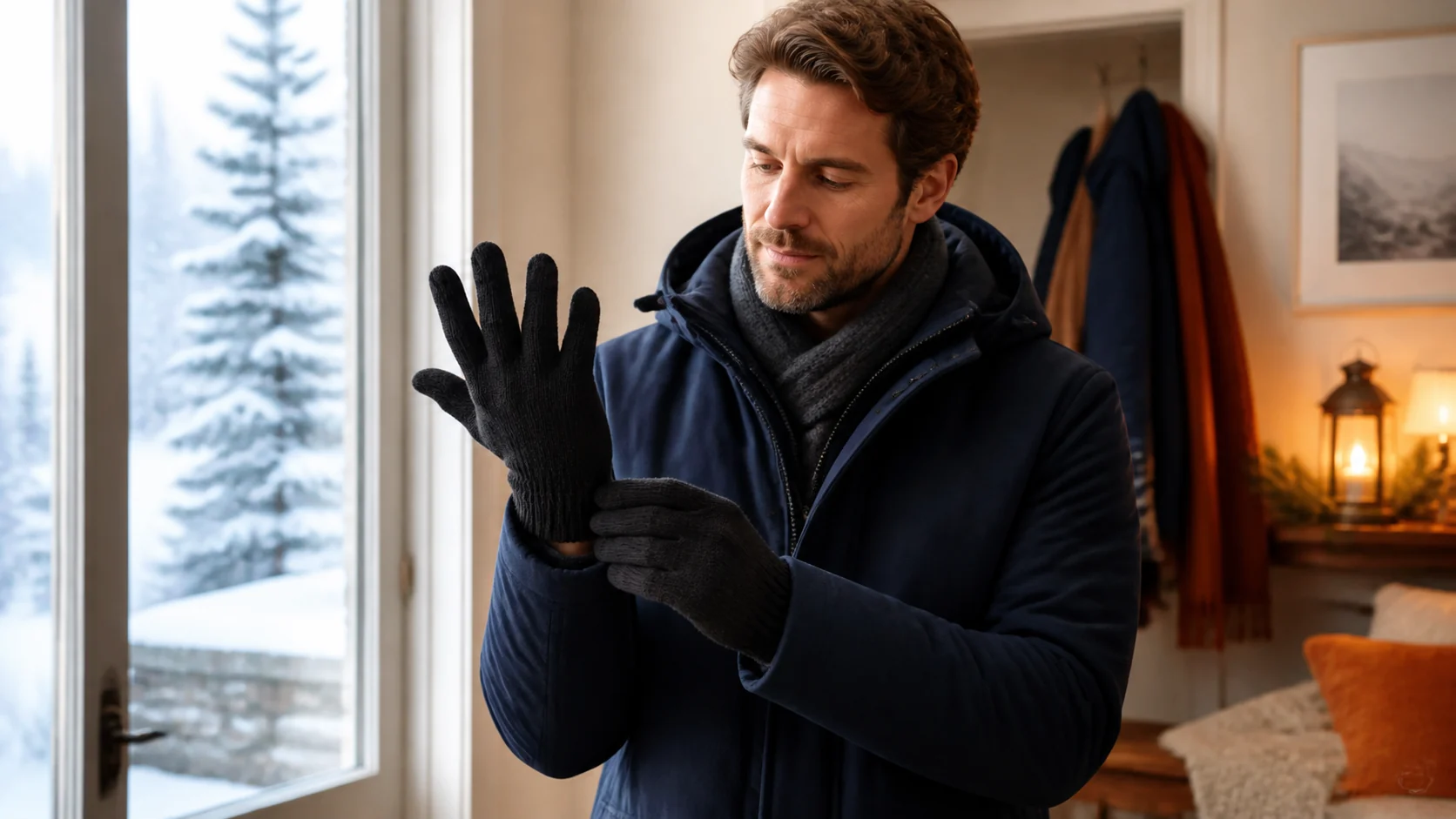


Cold-workstation comfort
How Do You Keep Your Hands Warm While Typing?
Start with the cold source: move out of the draft, warm your torso, and take a brief movement break. Then choose the least bulky hand layer that preserves key feel and a straight wrist.
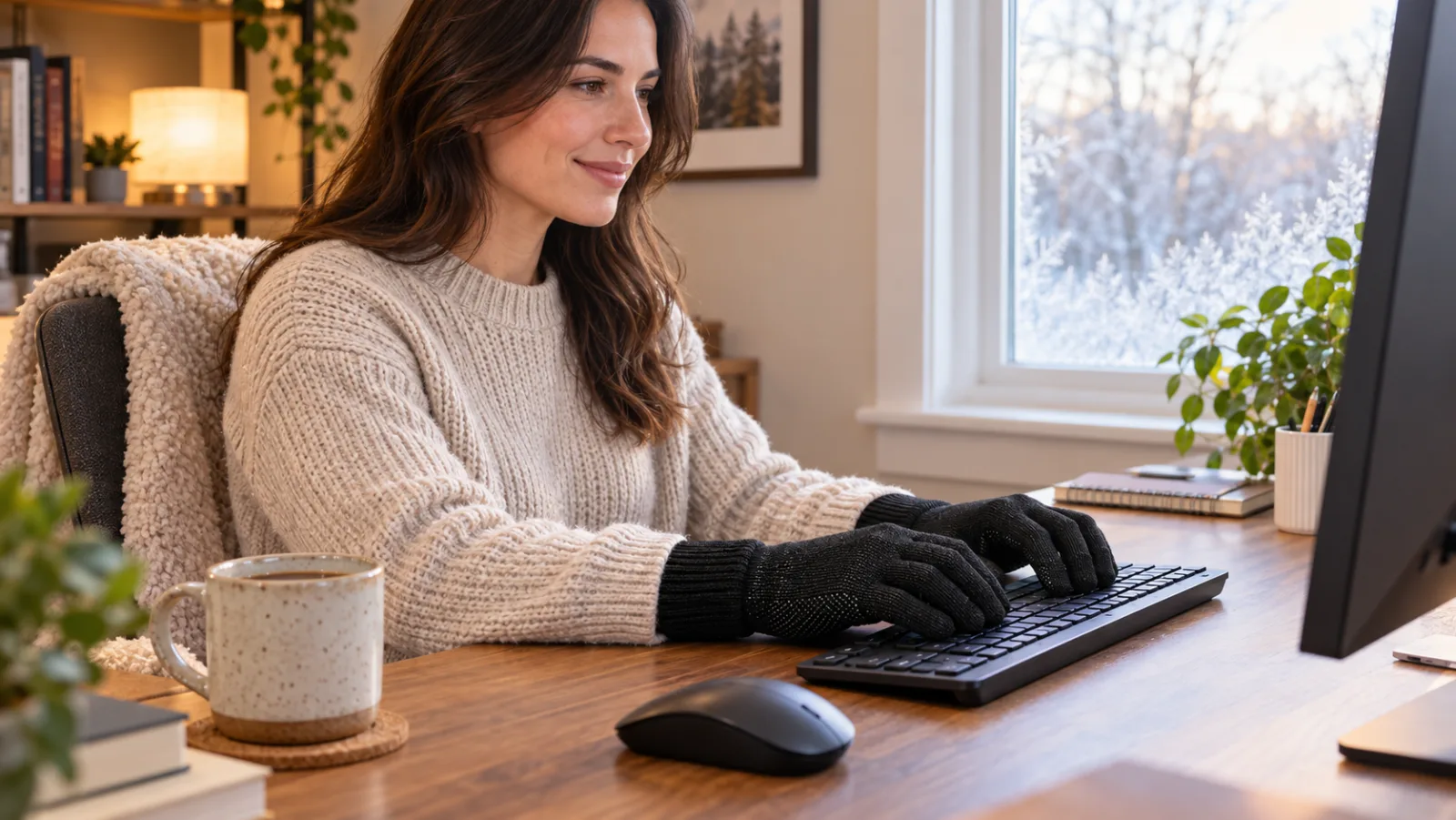
Use a sequence, not one magic gadget. Block the draft or relocate the desk, add a comfortable body layer, stand and move briefly, then reassess. If your fingers are still cold, try a thin fingerless glove, a well-fitting full-finger glove, or a hand warmer during breaks. Keep your wrists neutral, and stop if numbness, pain, or color change persists.
What Should You Try First When Your Fingers Feel Cold at the Keyboard?
- Find the cold source. Check for a window draft, supply vent, cold exterior wall, or desktop fan blowing across your hands.
- Warm the system, not only the fingertips. Add a sweater or light layer and keep your torso comfortable before reaching for powered heat.
- Take a brief movement reset. Stand, walk, and gently open and close your hands. Return only when you can move your fingers normally.
These are low-risk, reversible changes. They also tell you whether the problem is environmental. If moving away from the window or putting on one body layer solves it, you may not need a typing glove or heater at all.
OSHA’s cold-stress guidance recommends warm, dry breaks and suitable layers for people working in cold conditions. A chilly office is not automatically a cold-stress emergency, but the same practical order makes sense: reduce exposure, stay dry, warm up, then continue.
Should You Warm the Room or Your Hands?
Warm the smallest safe zone that solves the problem. If everyone in the room is cold, adjust the room temperature or building controls. If only your desk is cold, relocate it, redirect the vent if permitted, close the draft, or add a non-heated layer. If only your fingers are cold after the rest of you feels comfortable, a hand-specific option becomes more reasonable.
| What you notice | Try first | Why | Boundary |
|---|---|---|---|
| Cold air moves across both hands | Move the desk or stop the draft | Removes the repeated heat-loss source | Do not block required HVAC equipment or workplace ventilation |
| Your torso and hands both feel cold | Add a comfortable body layer; take a warm, dry break | Addresses whole-body comfort before fingertip gear | Do not treat severe shivering, confusion, or numbness as an office-comfort issue |
| Palms are comfortable but fingertips are cool | Try fingerless gloves or warm hands during breaks | Preserves direct contact with keys | Exposed fingertips may remain cold |
| You type lightly and can still locate every key | Trial a close-fitting full-finger glove | Adds coverage without assuming it suits every keyboard | Stop if it changes wrist position or causes repeated key errors |
| Fingers turn white or blue, become numb, or hurt | Stop, warm gradually, and seek medical guidance | These can be more than ordinary discomfort | This article cannot diagnose the cause |
What Kind of Gloves Work Best for Typing?
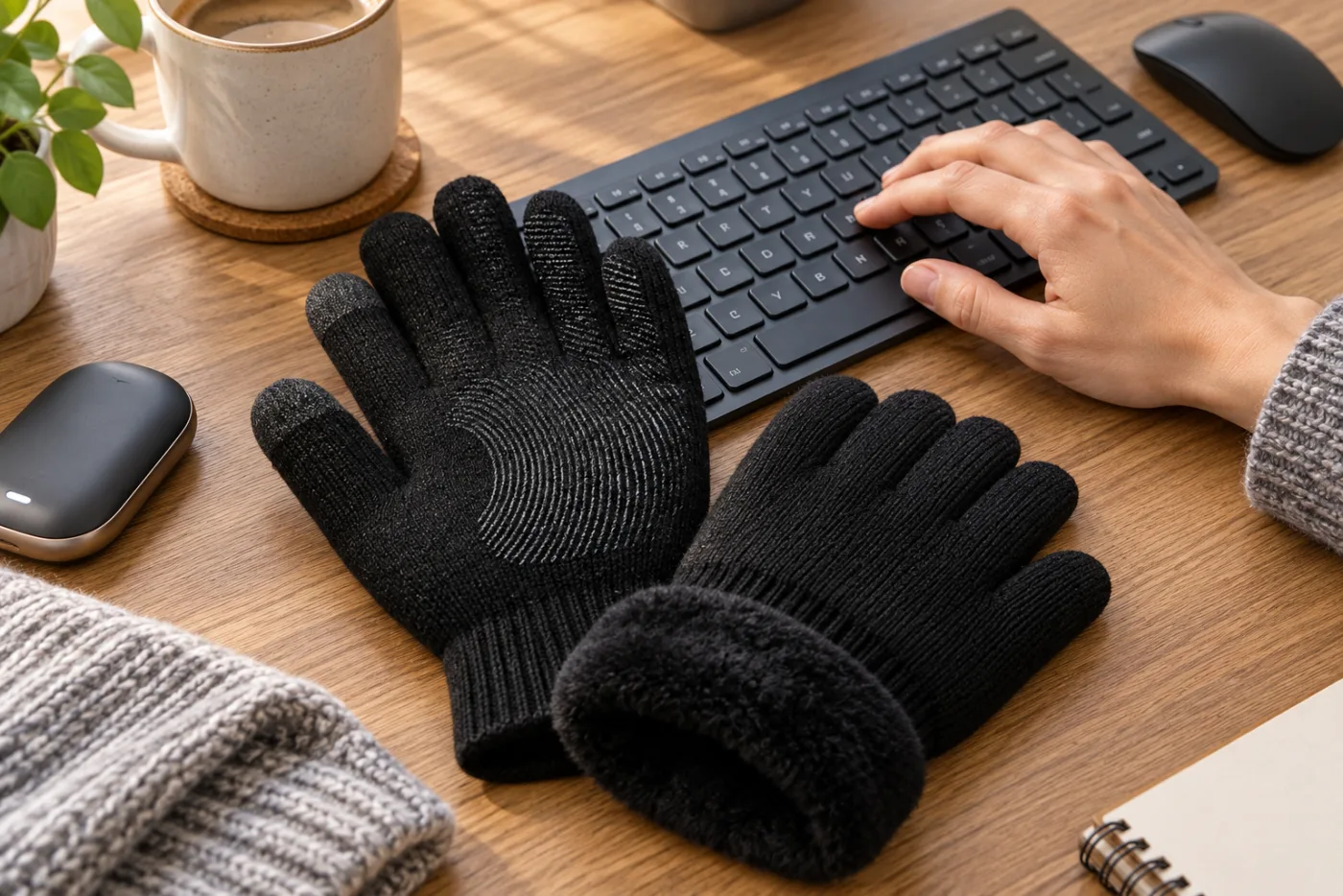
The best format is the one that adds enough warmth without making you hunt for keys, press harder, or bend your wrists. For many people, that means starting with fingerless gloves because the fingertips retain direct contact. Their obvious drawback is that the fingertips—the coldest part for some users—stay exposed.
A thin, close-fitting full-finger glove covers more skin but can soften the feel of key edges and the raised markers on the F and J keys. A thick glove may be warm yet unsuitable for sustained typing. A reusable hand warmer is most useful during pauses because gripping one and typing are competing actions.
Can Full-Finger Winter Gloves Work on a Keyboard?
Sometimes—but treat it as a short, reversible trial. Use a familiar keyboard, type a few ordinary sentences, and check whether you can find F and J, use the modifier keys, and control the mouse without extra force. If errors climb or your wrists bend to compensate, switch formats.
CozyGalar gloves are fleece-lined and made from 20% merino wool, 10% elastane, 5% conductive fiber, and 65% polyester. They have textured grip on the palms and fingers, and conductive fingertips designed for compatible phones and tablets. Sizes S through XL are shown in the brand’s fit guidance.
Those are product facts, not typing-test results. CozyGalar has not verified a keyboard-performance claim. The gloves may suit light desk tasks for a wearer who can still feel the keys; they may be too substantial for fast typing, gaming, piano-style keyboards, or any task requiring bare-finger feedback. They are also not verified waterproof, windproof, medical, typing-specific, or rated for extreme cold.
If the gloves become damp, change to a dry option. Care is cold hand washing and air drying; do not bleach or tumble dry. For more fit context, use the winter-glove fit guide. If the bigger problem is outdoor cold, start with the separate guide to why hands stay cold inside gloves.
Considering a full-finger everyday glove?
Check the current CozyGalar listing for price, sizes, and availability, then keep it only if your own keyboard trial preserves key feel and neutral wrists. This is a brand-owned commercial link; CozyGalar does not earn an affiliate commission from it.
How Do You Keep a Safe Wrist Position While Staying Warm?
Do not trade cold discomfort for typing strain. OSHA’s workstation guidance says the hands, wrists, and forearms should be straight, in line, and roughly parallel to the floor. Keep the keyboard close enough that your elbows stay near your body and your shoulders remain relaxed.
Extra fabric can change how you reach for keys. After adding gloves or a heated surface, recheck the keyboard height, wrist angle, and mouse reach. Avoid resting hard on the edge of the desk. Change position periodically rather than holding one “perfect” pose for hours.
If you have to lift your shoulders, cock a wrist, or strike keys harder, the warming method is interfering with the work. Remove it and choose a thinner option or use heat only during a break.
Are Desk Heaters and Hand Warmers Safe?
They can be used only within their instructions and the rules of your home or workplace. A powered warmer adds electrical, burn, and fire considerations that an ordinary layer does not. Inspect the cord and device, use the specified power source, and stop using anything damaged, unusually hot, swollen, wet, or recalled.
For portable electric space heaters, the US Consumer Product Safety Commission says to keep them at least three feet from combustible materials, plug them directly into a wall outlet instead of an extension cord or power strip, and never leave them running unattended or while sleeping. Place a heater on a stable surface where it cannot be kicked, blocked, or covered. Follow the model’s manual and your employer’s policy.
Do not press numb skin against a hot device. NIOSH warns against using a heating pad, fireplace, or radiator to rewarm frostbitten tissue. Severe outdoor cold exposure is a different situation from ordinary desk comfort and needs appropriate first aid or emergency help.
When Are Cold Hands More Than a Comfort Problem?
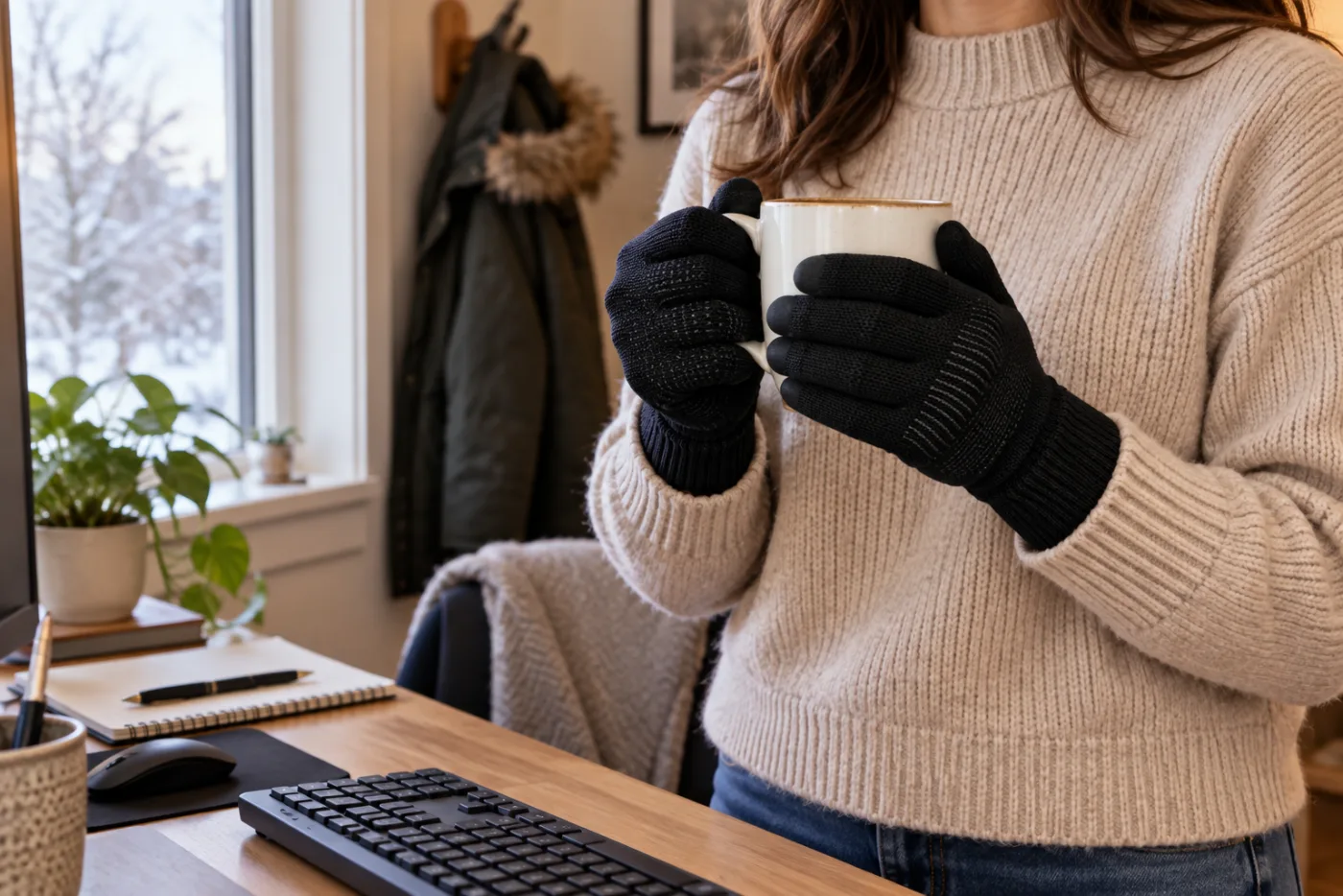
Stop treating it as a productivity problem when the symptoms are persistent, painful, one-sided, or paired with numbness, weakness, sores, or strong color changes. Mayo Clinic notes that Raynaud’s can make fingers feel cold and numb and can produce pale or blue color changes in response to cold or stress. Other conditions can cause similar symptoms.
That does not mean cold typing hands are Raynaud’s. It means a glove-shopping article cannot diagnose the cause. Discuss recurring or concerning symptoms with a qualified healthcare professional. Seek urgent help for severe cold-exposure symptoms, confusion, loss of coordination, or tissue that appears frozen.
What Is the Practical Cold-Desk Checklist?
- Move away from the draft or cold exterior surface.
- Add a comfortable torso layer before a hand gadget.
- Stand and move briefly; return when finger motion feels normal.
- Try fingerless coverage first when key feel is the priority.
- Trial full-finger gloves only if you can still find and press keys naturally.
- Keep hands, wrists, and forearms straight and aligned.
- Follow all heater, warmer, and workplace safety instructions.
- Stop and seek guidance for numbness, pain, weakness, sores, or color change.
If a glove interferes with a touchscreen after the desk problem is solved, use the separate touchscreen-glove troubleshooting guide. The simplest successful setup is the right one: remove the cold source, keep your body comfortable, and add only enough hand coverage to preserve normal typing.
Sources and editorial notes
- OSHA: Computer Workstations — Good Working Positions
- OSHA: Winter Weather — Cold Stress
- CDC/NIOSH: Protecting Yourself from Cold Stress
- US CPSC: Space-heater winter safety
- Mayo Clinic: Raynaud’s disease symptoms and causes
Sources were checked September 16, 2026. This article provides general comfort, workstation, and product information; it does not replace medical care, workplace rules, device instructions, emergency guidance, or a heater manufacturer’s manual. Competitor pages informed the gap analysis, not CozyGalar product claims. Original AI-assisted images were created from brand-owned CozyGalar glove references; they are editorial illustrations, not independent product testing.